Design System Skill
Pick one color and get a matching set for your whole app. Two commands, and both leave you a page you can open in the browser to see every color and button side by side.

Claude Code

Cursor
Install
Paste this into your terminal, inside the project you want to work on. One line, once.
Claude
npx @vinnycsr/design-system-skills --claude-onlyCursor
npx @vinnycsr/design-system-skills --cursor-onlyStart with these two
Type one of these in Claude or Cursor. Nothing happens unless you ask for it. Each one leaves you a page you can open in the browser — and only you can see it, never your visitors.
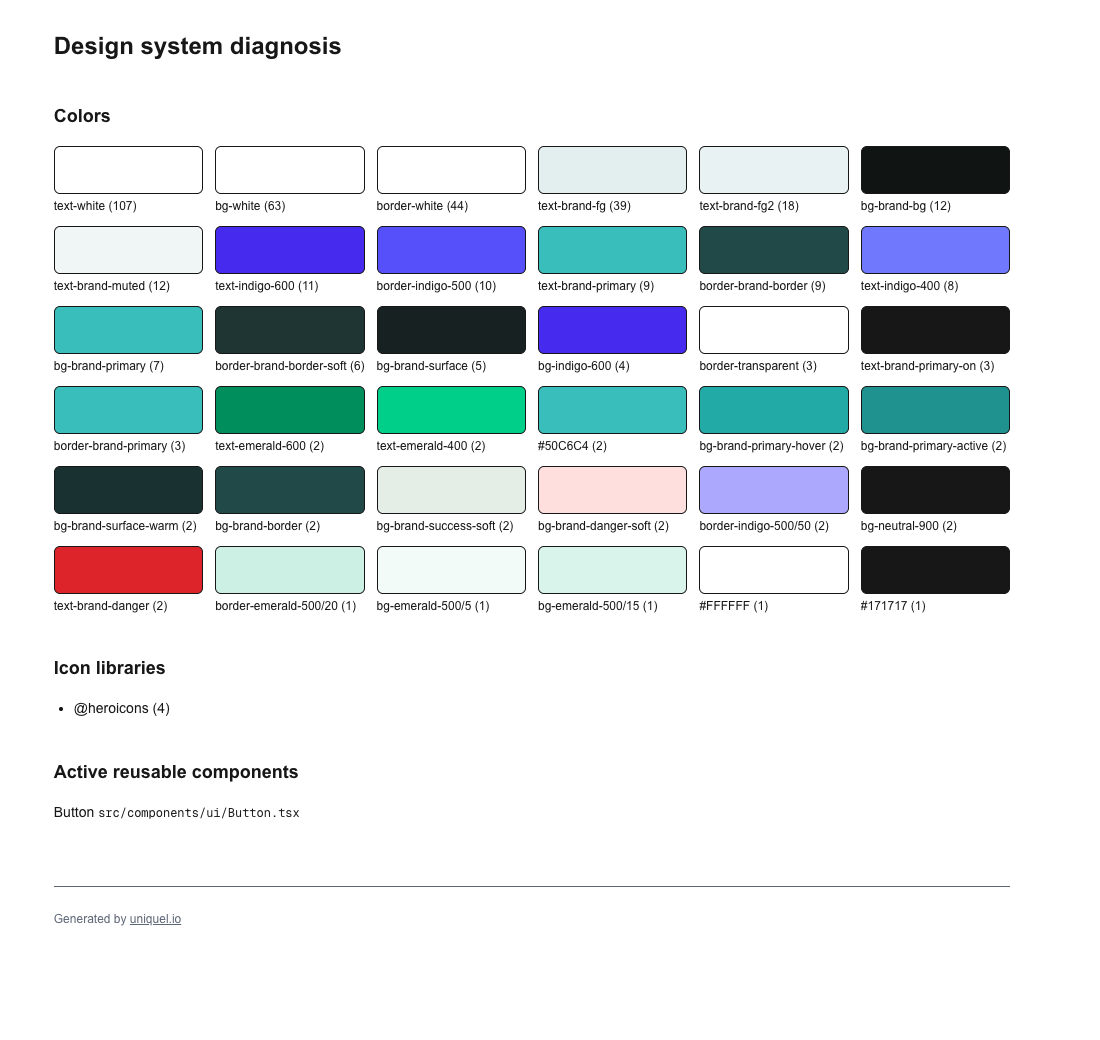
/design-system-skill diagnoseShows you every color your app already uses, and how often. Usually more than you expected. It only looks — nothing is changed.
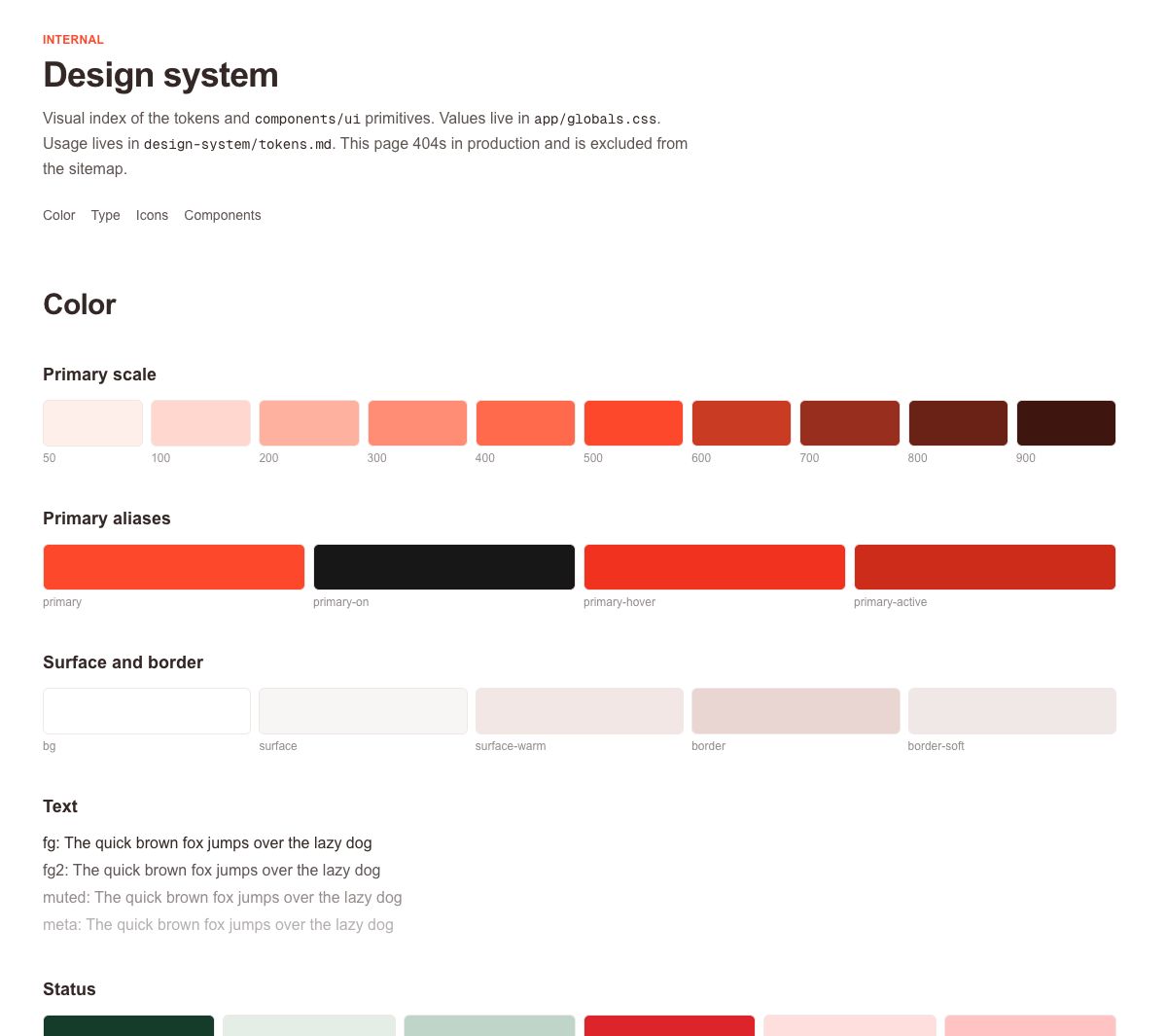
/design-system-skill createAsks for your color and whether you want light or dark, then builds the full set — colors, buttons, inputs and a page showing them all.
There is a third one that rolls it out across your pages — see all commands.
What you get
The one color you pick turns into everything below — ten shades of it, plus a color for every job in your app. You never have to choose a shade again.
Light to dark
Primary
- primary
- primary-on
- primary-hover
- primary-active
Secondary
- secondary
- secondary-on
Backgrounds
- bg
- surface
- surface-warm
Text
- fg
- fg2
- muted
- meta
Borders
- border
- border-soft
Status
- success
- success-soft
- success-border
- danger
- danger-soft
- danger-border
Change your mind about the color later and the whole app follows — you edit it in one place, not in a hundred. Written notes are included, so your AI tool keeps using the right colors from then on.

React

Tailwind CSS

TypeScript
The pieces you get
Ten ready-made pieces — buttons, form fields, cards, tabs and more — already wearing your color. This is the real thing, not a picture of it.
Create your account
Start your 14-day free trial. No credit card required.
Components in context
All commands
Three in total. Type them in Claude or Cursor — they only run when you ask.
/design-system-skill diagnose | Shows you every color your app already uses, and how often. Nothing is changed. |
/design-system-skill create | Builds the whole set from one color you pick — colors, buttons, inputs and a page showing them all. |
/design-system-skill apply | Goes through your existing pages and swaps in the new colors and pieces, so the app actually looks like the set you built. |