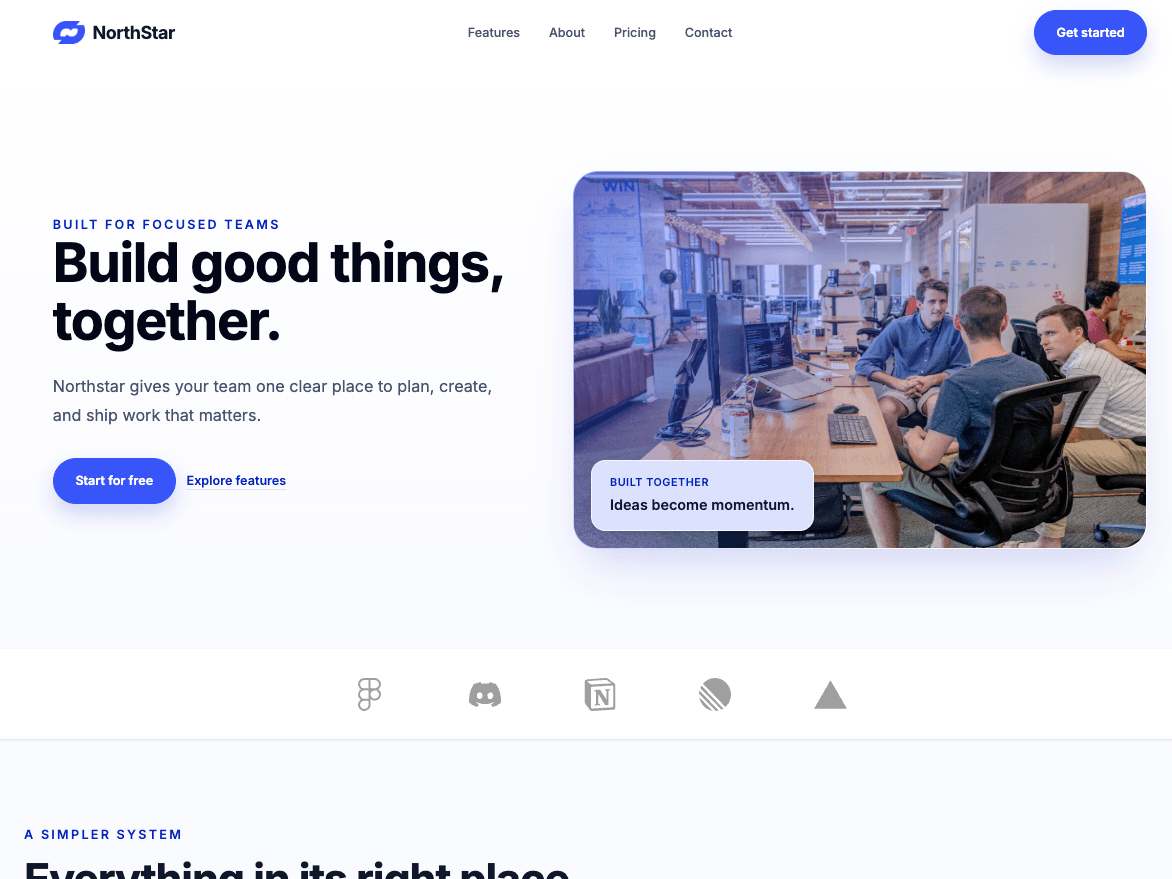
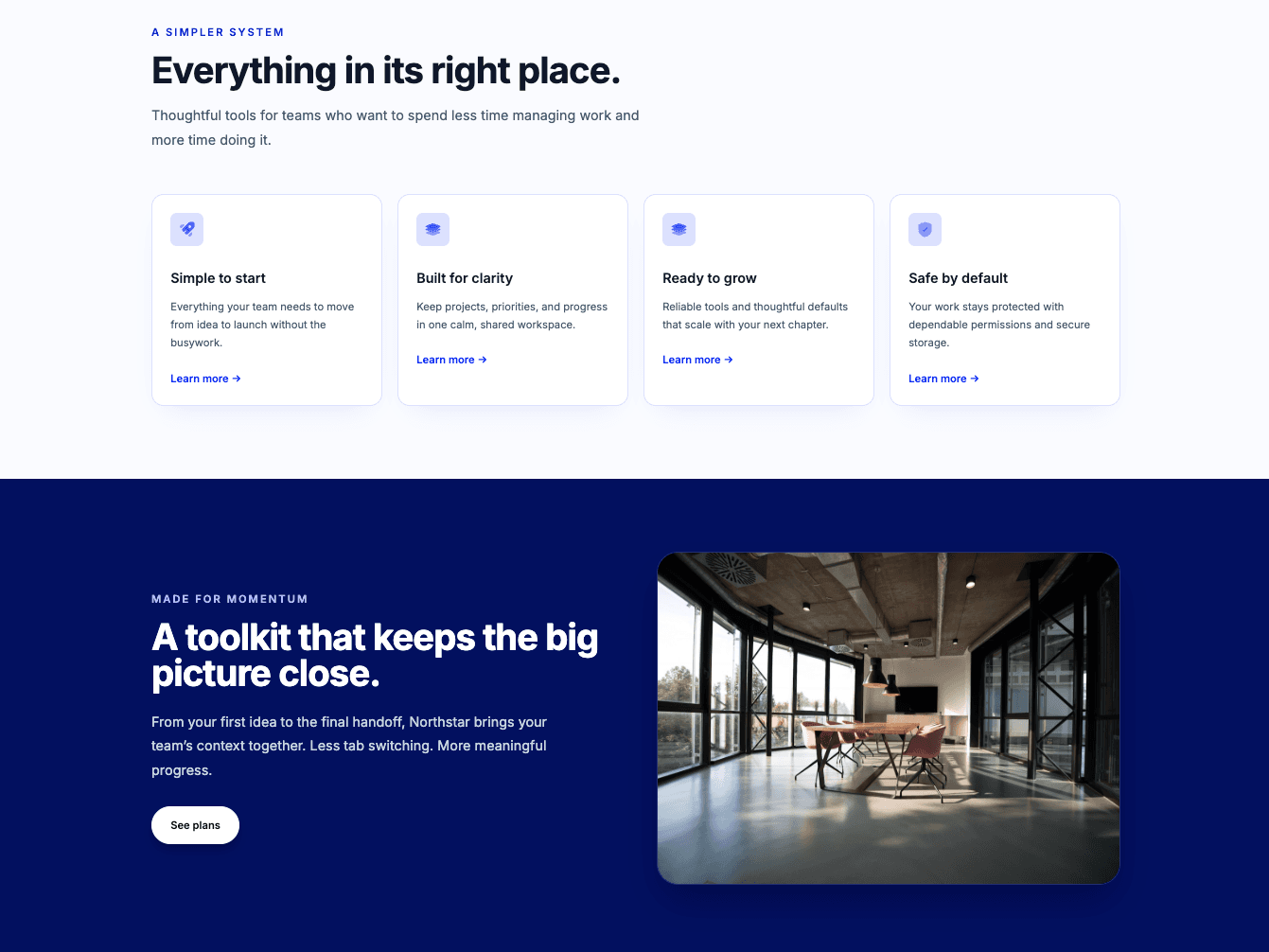
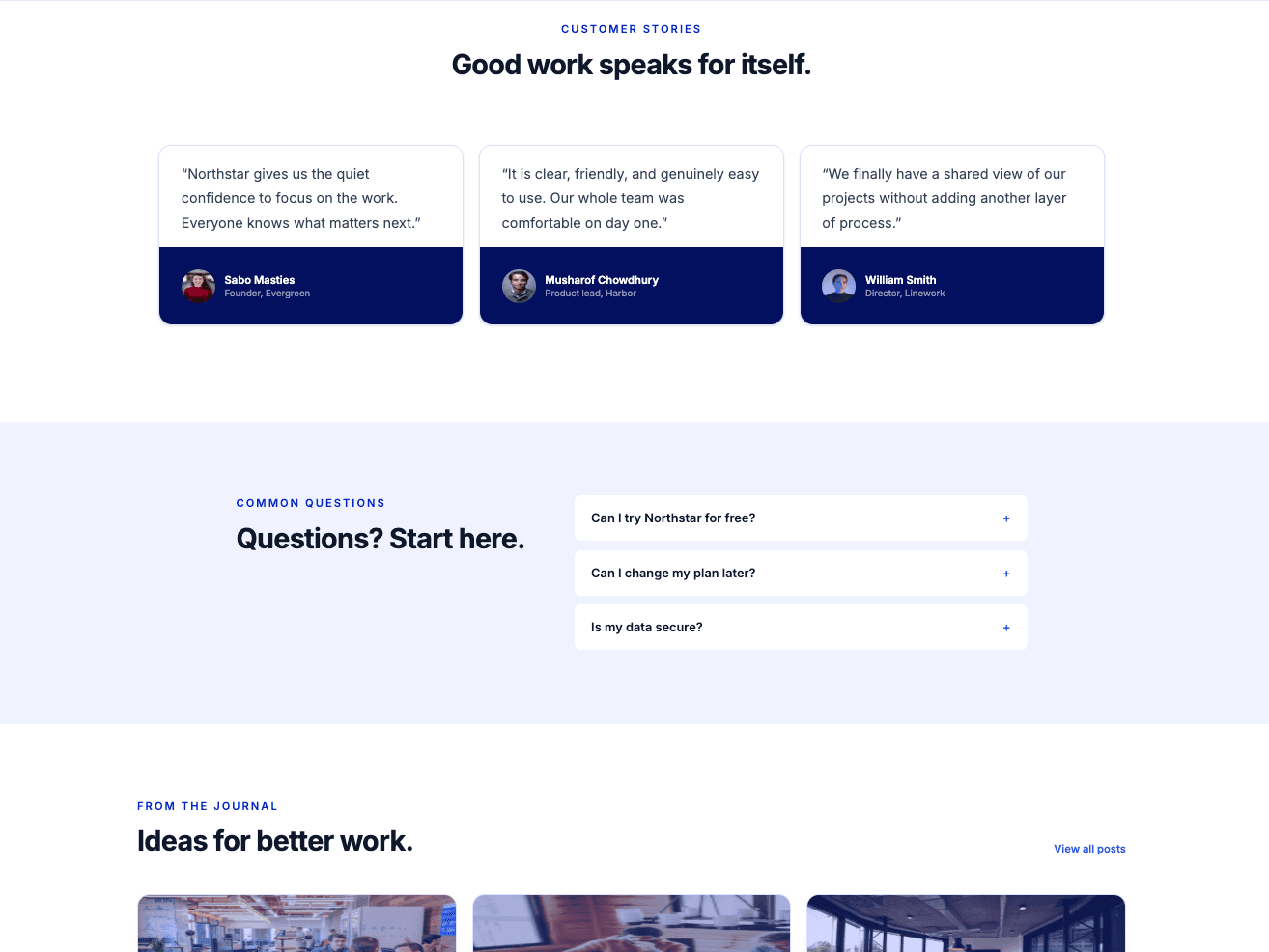
Minimalist SaaS
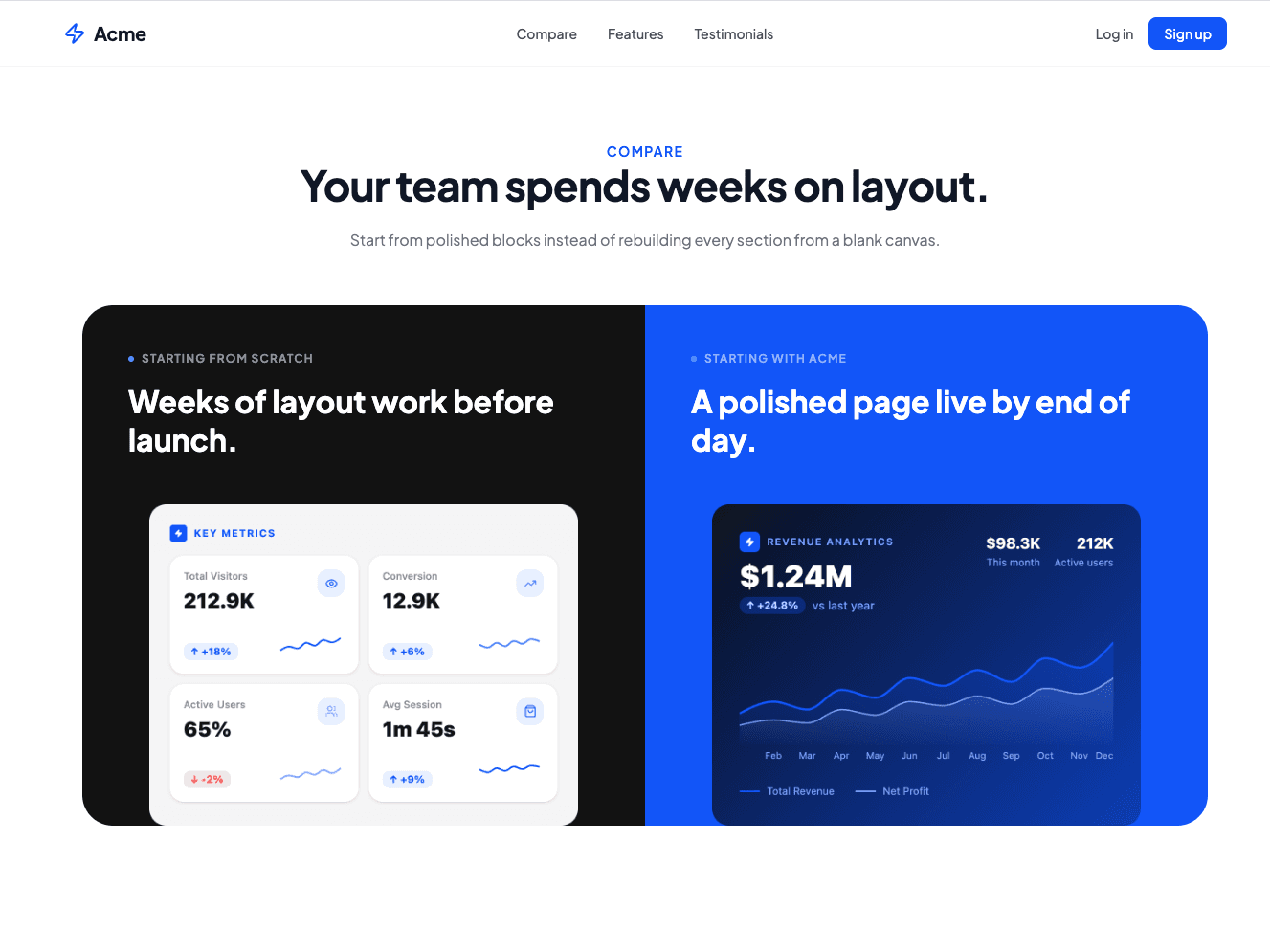
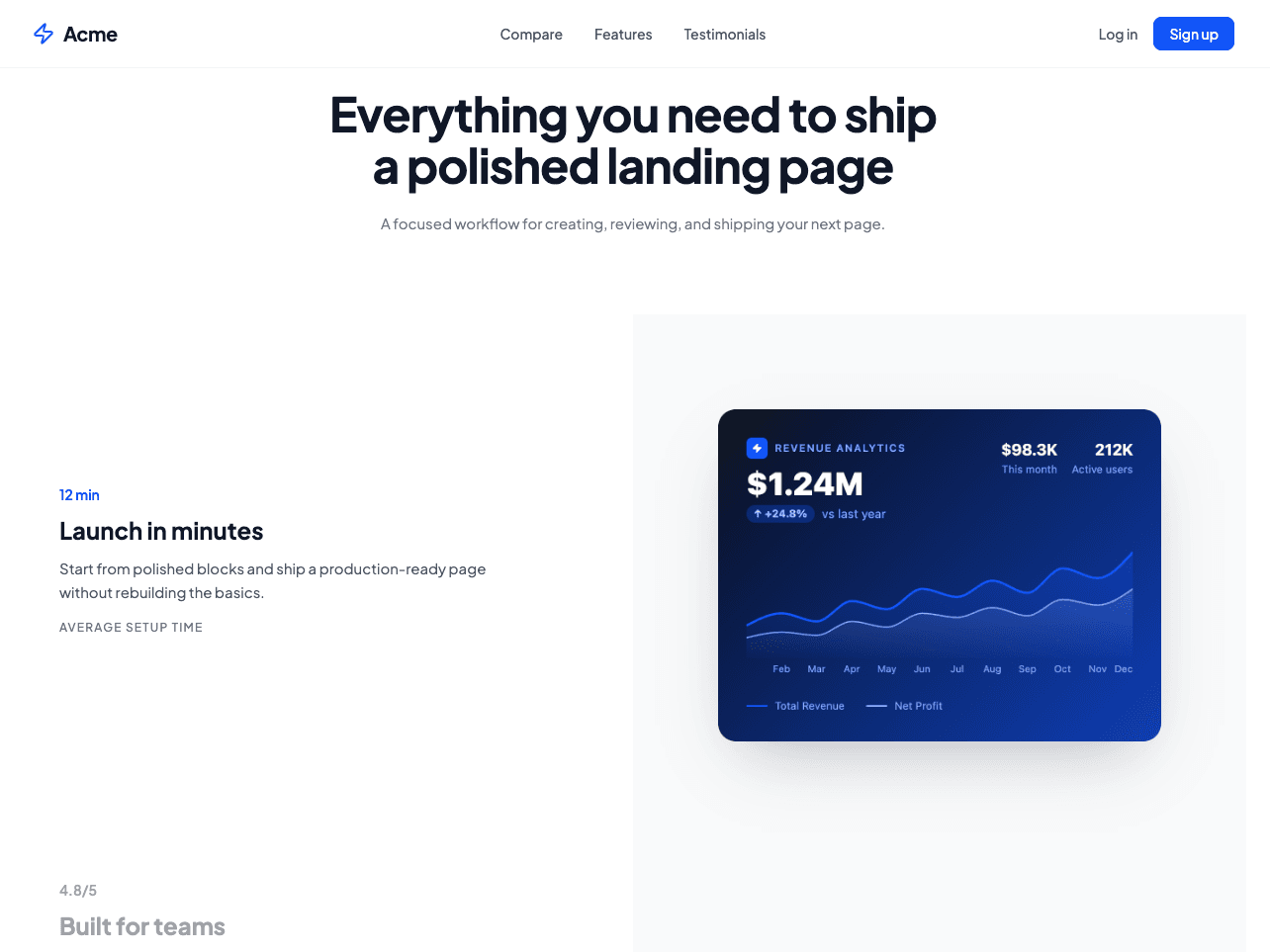
A modern, clean template for SaaS companies to showcase product features, social proof, and pricing.
Compatible with React, Tailwind CSS & Next.js
Explore our collection of professionally built v0 templates. Professionally designed for v0.

Preview the live page and make sure it matches what you need.
Checkout unlocks the source file. Copy the page code or the prompt into v0.
Swap the images, change template colors, or update the copy. Narrow prompts keep the rest of the layout intact.
FAQ
Yes. The source is React with Tailwind. Paste the component into v0 and ask it to edit specific sections.
No. They are Uniquel landing pages that work well as a starting file in v0. You purchase them here.
It depends on the prompt. If motion matters, tell v0 to preserve existing Framer Motion usage when it rewrites a section.
Yes. The purchase is the React source. v0 is optional. You can mount the page in Next.js without it.
Get every template, portable blocks, and Design System Pro Sections.
All Access is $79 for one year. One-time payment, no auto-renew.
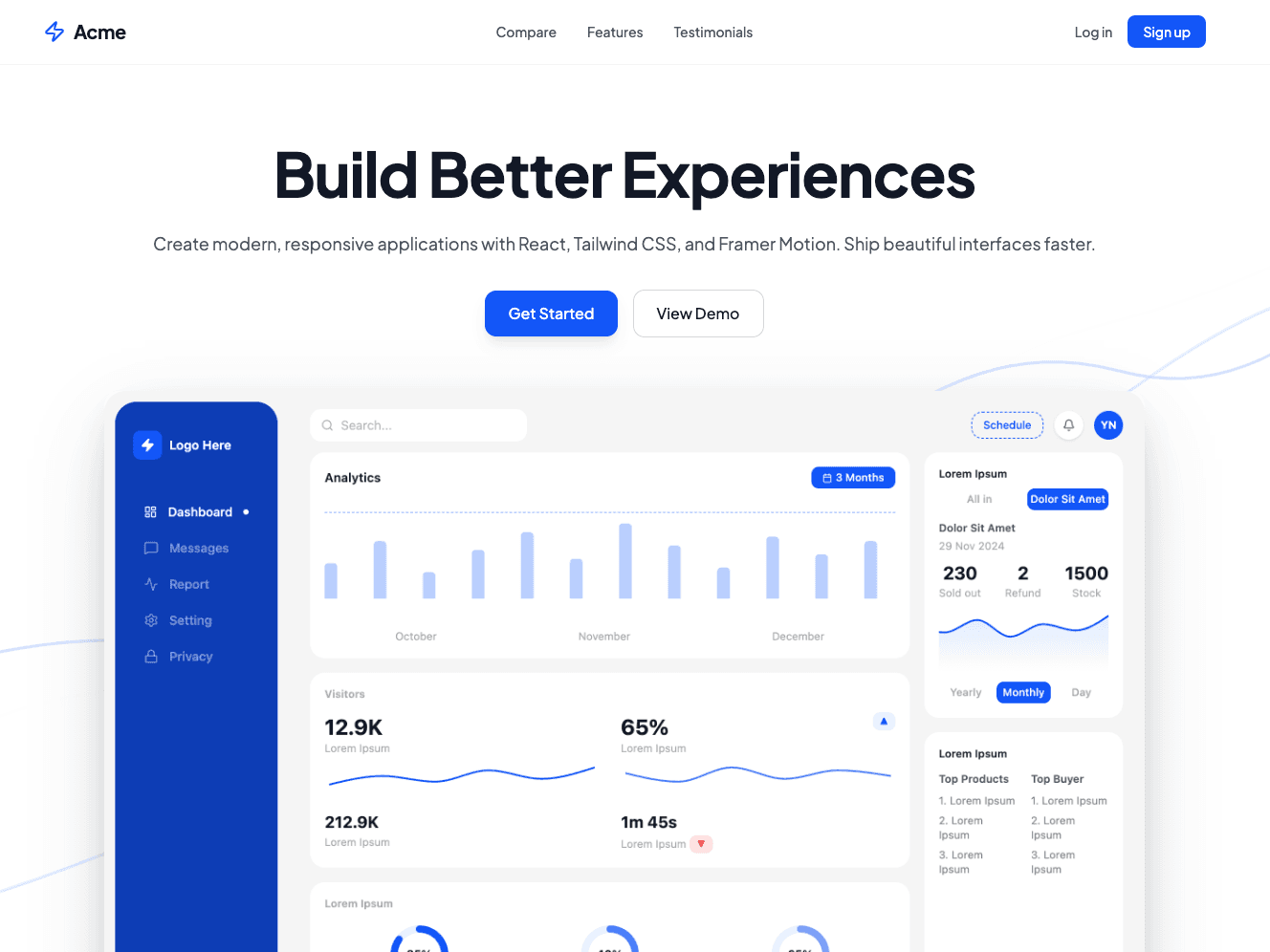
A modern, clean template for SaaS companies to showcase product features, social proof, and pricing.
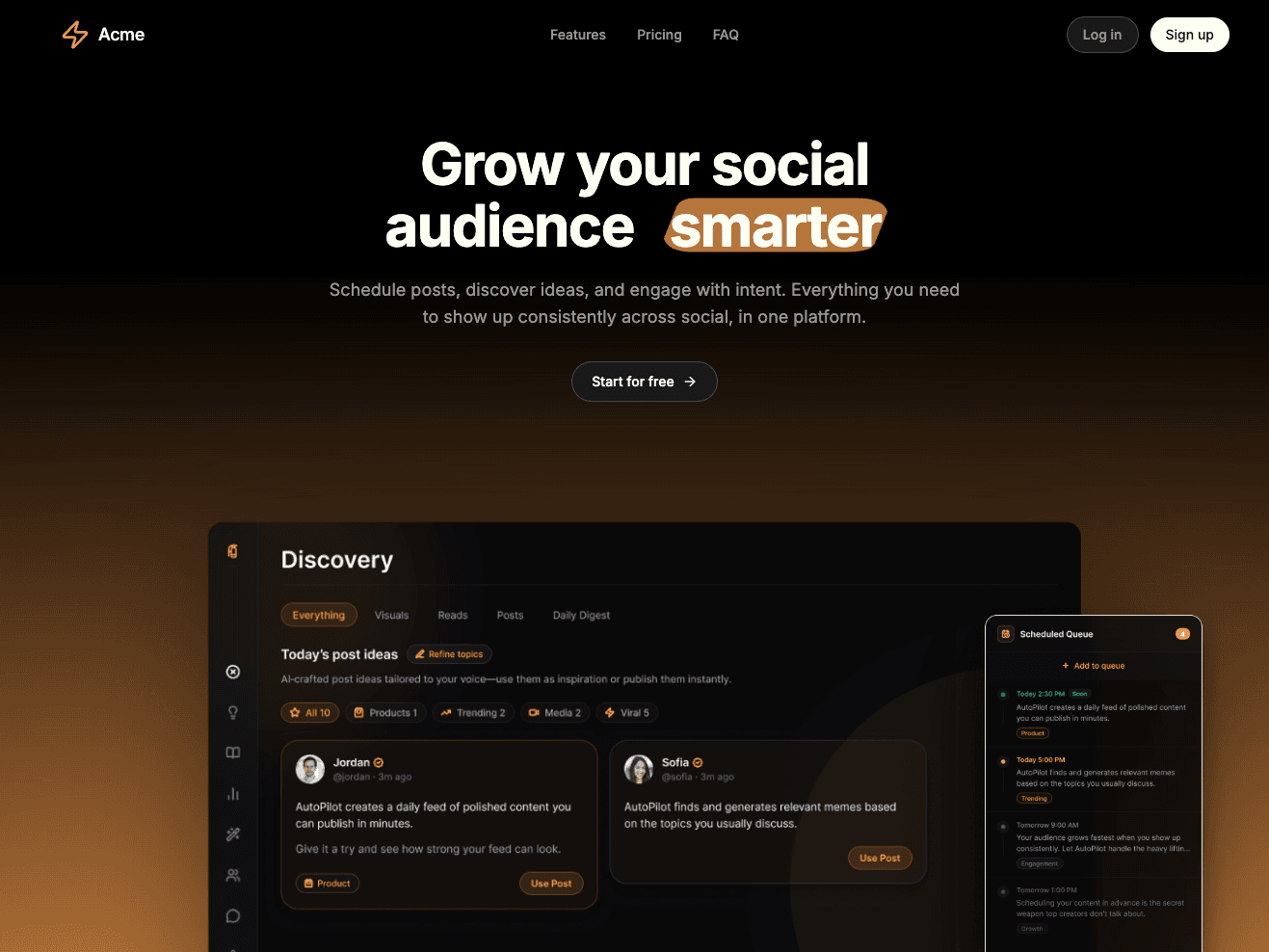
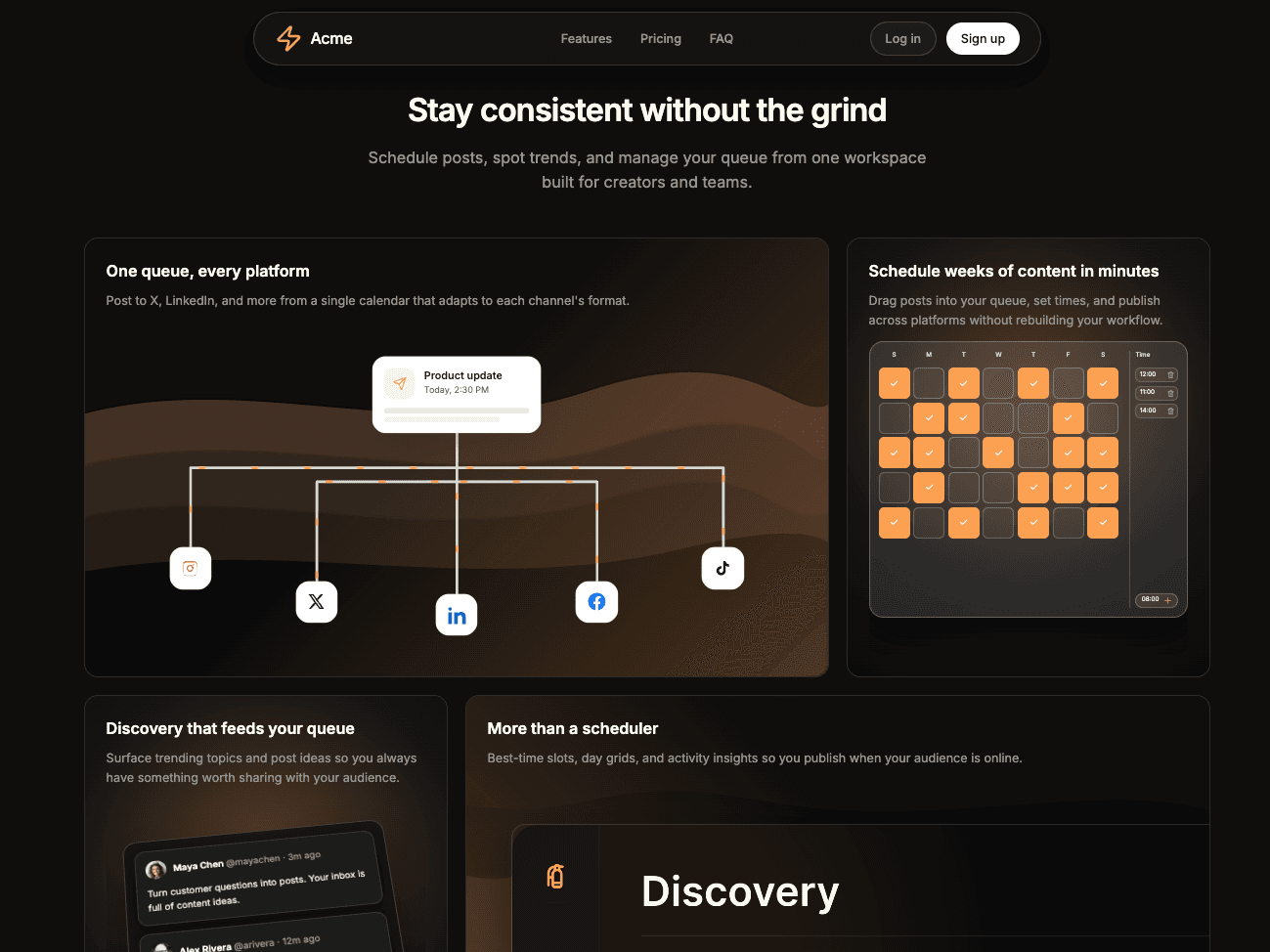
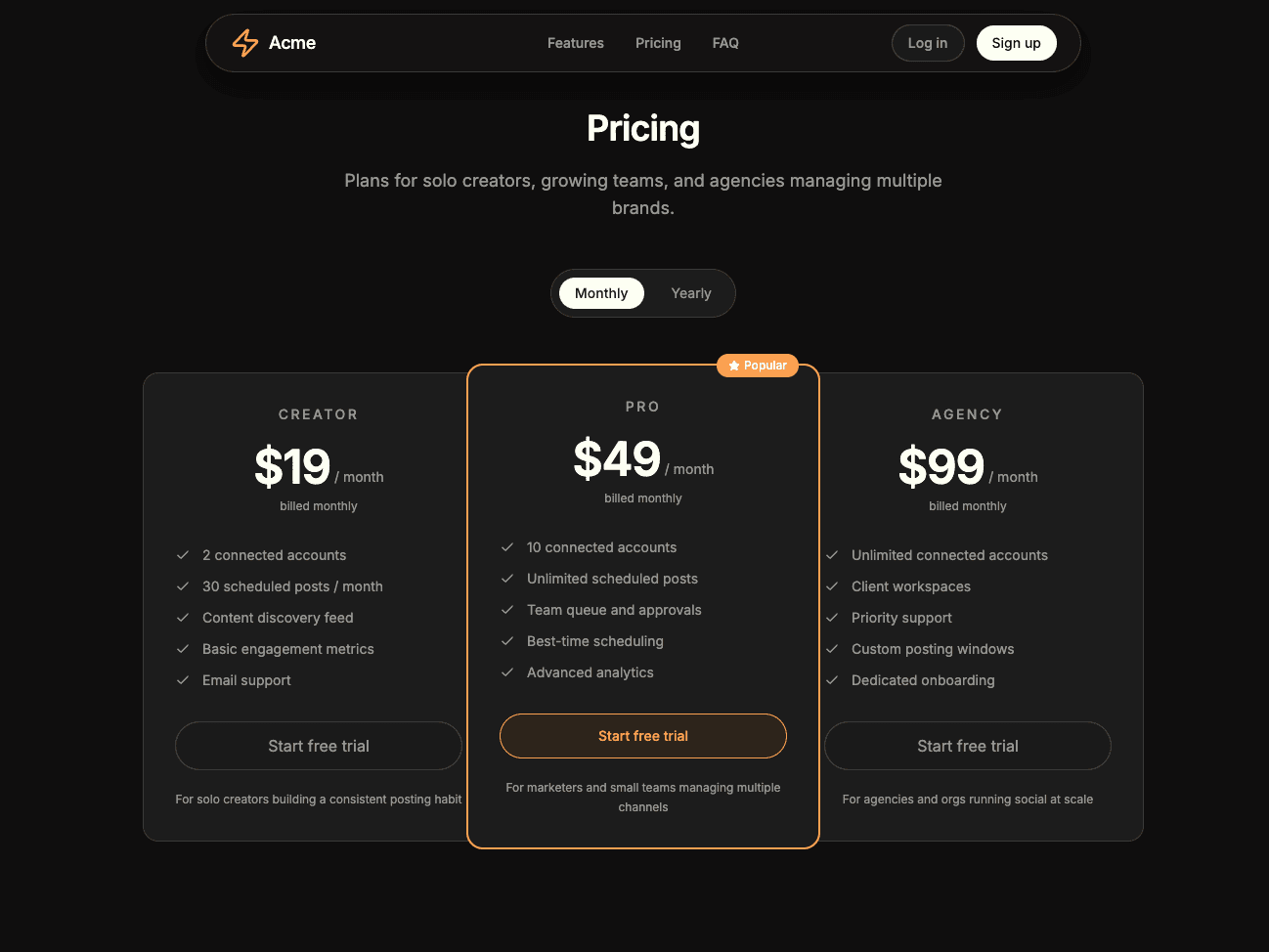
A dark and modern landing page template for SaaS companies to showcase product features, social proof, and pricing.
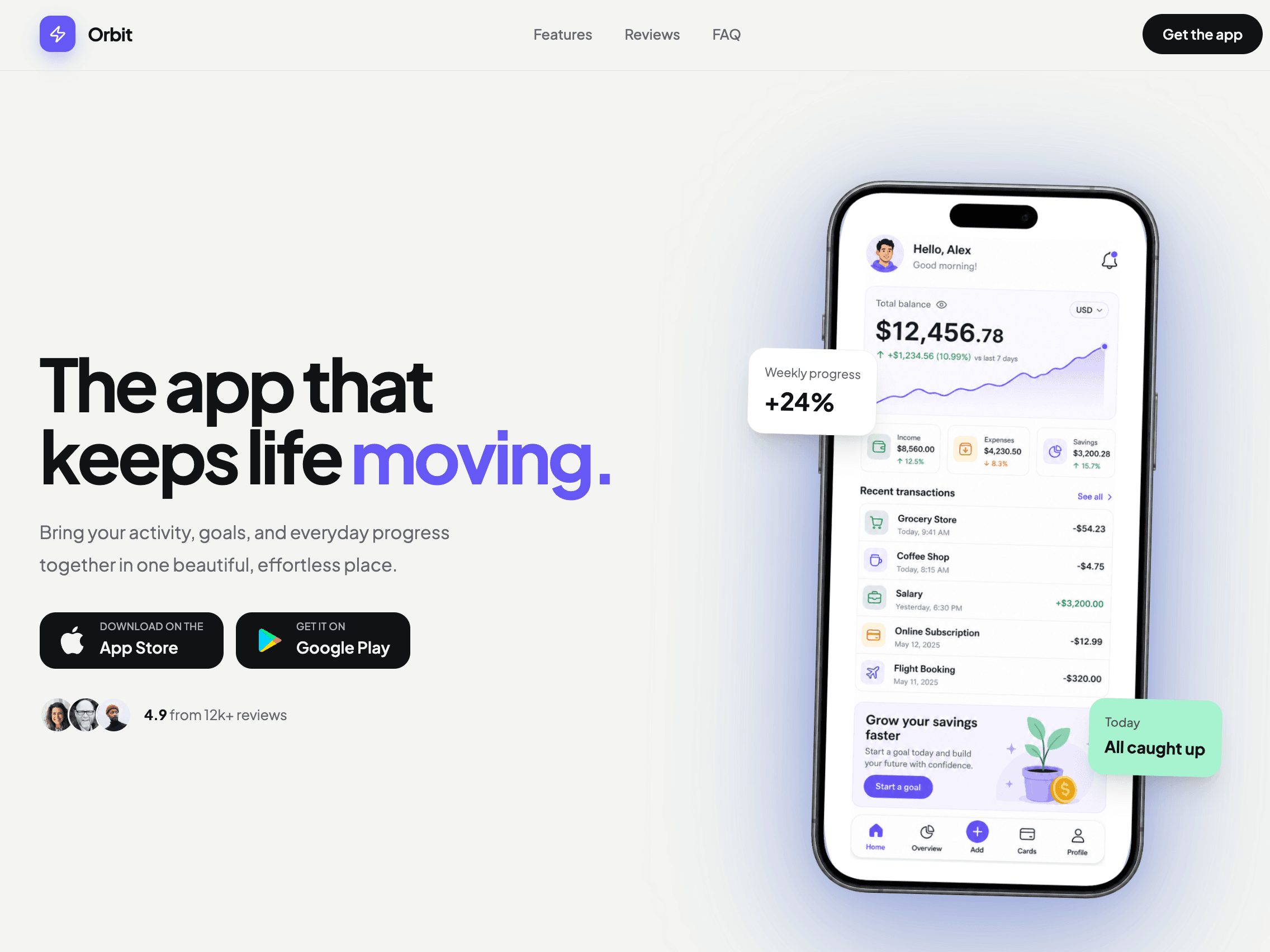
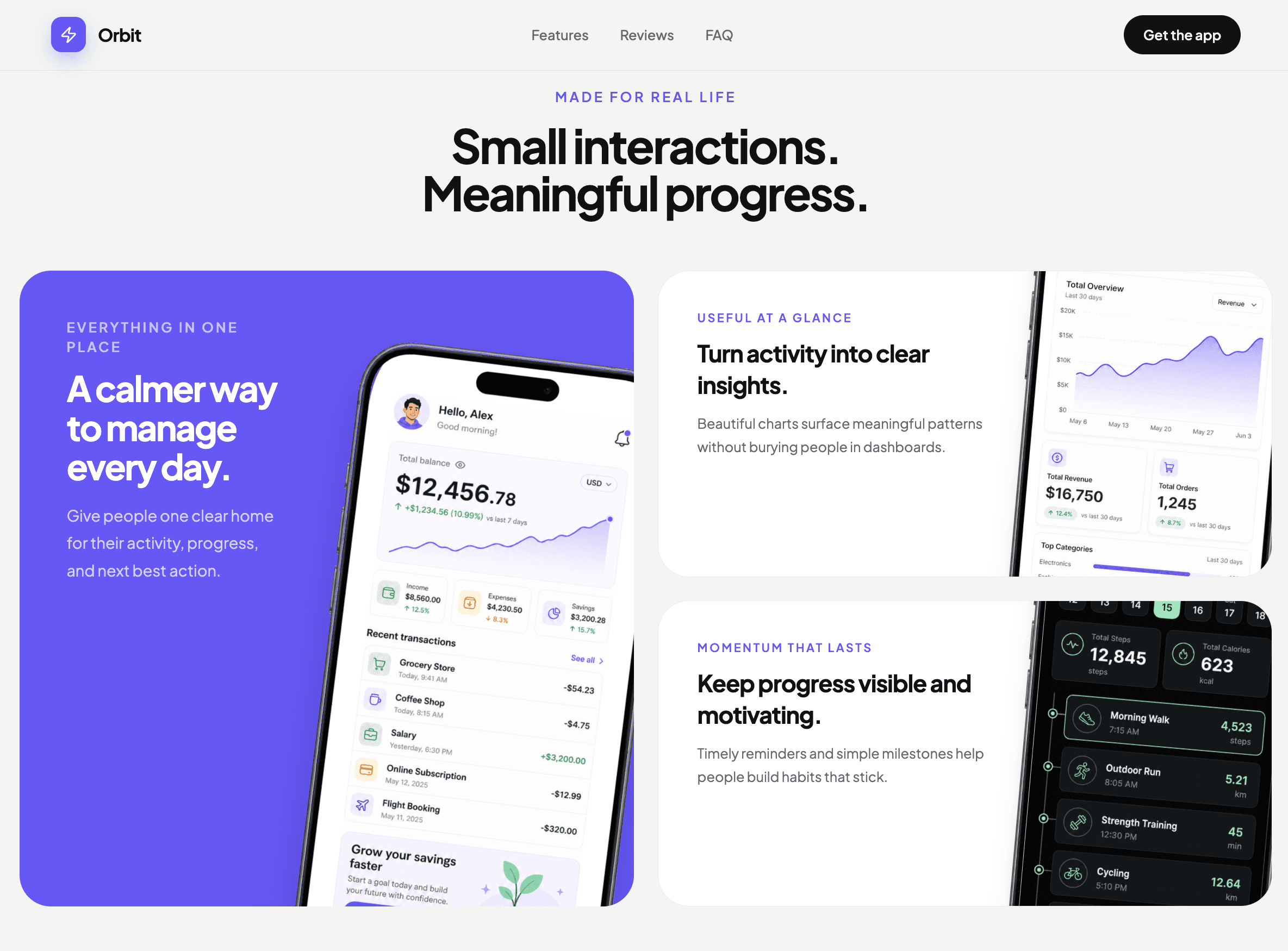
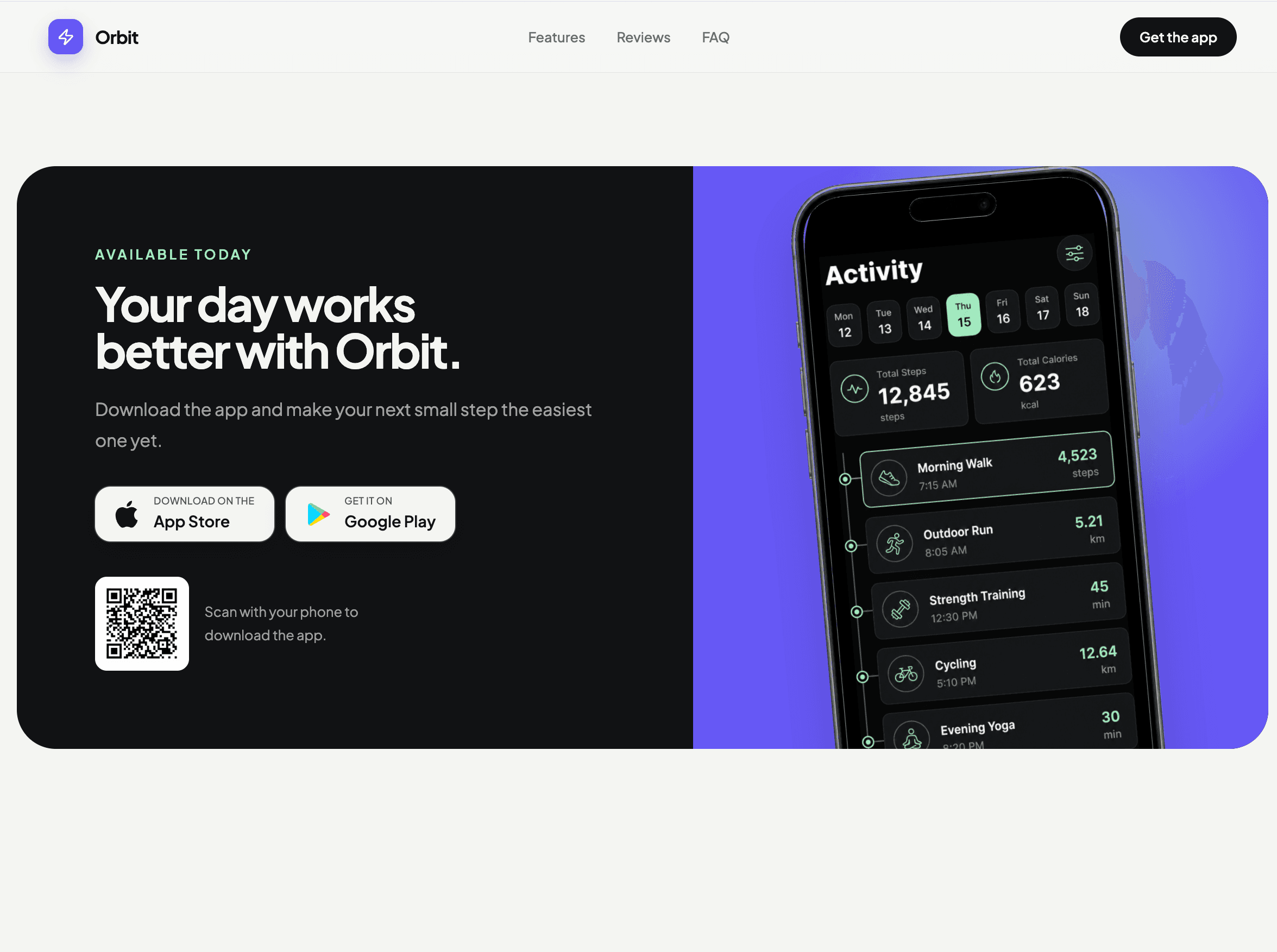
A flexible light and dark landing page template for mobile apps, with device mockups, feature cards, social proof, and download CTAs.
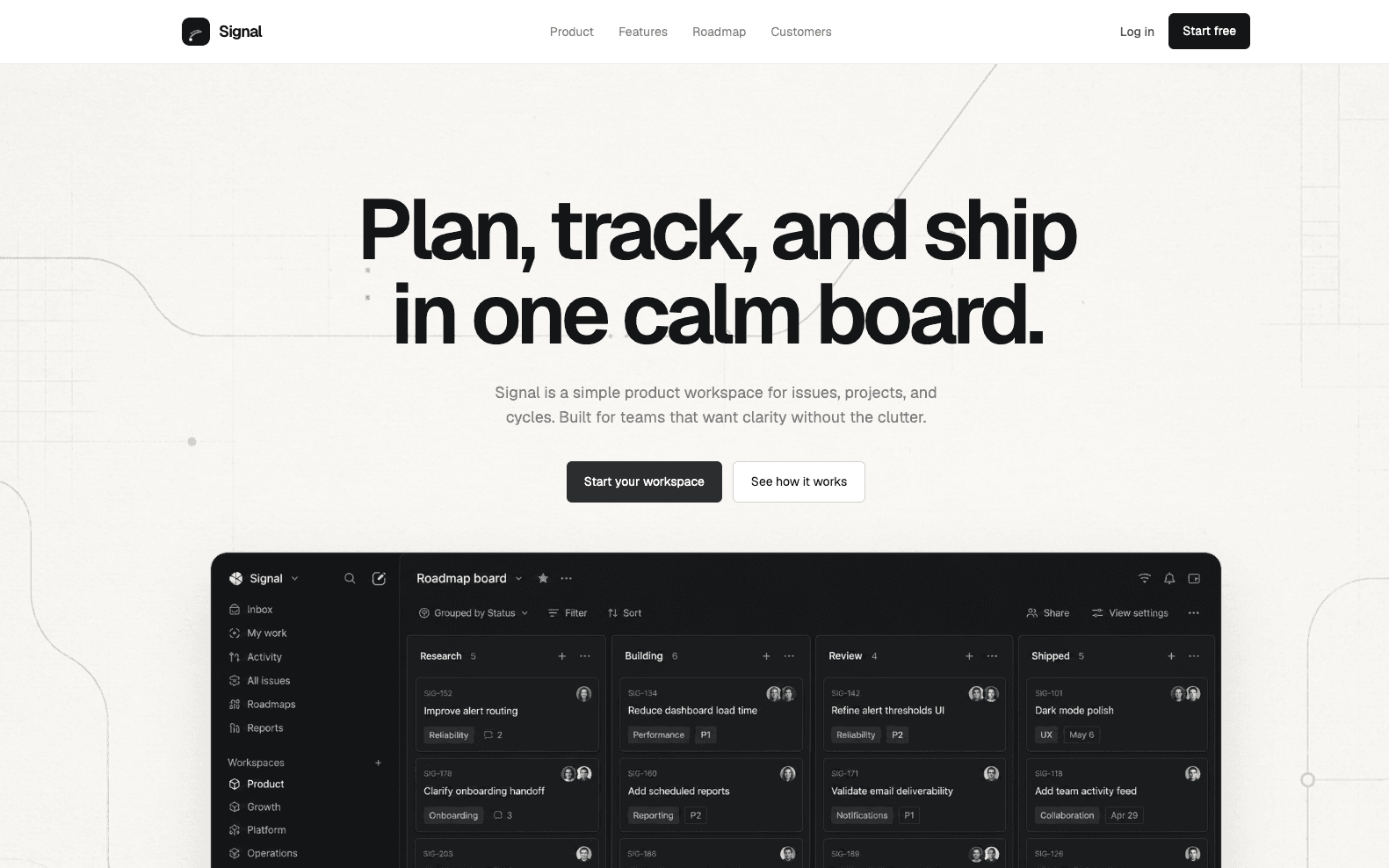
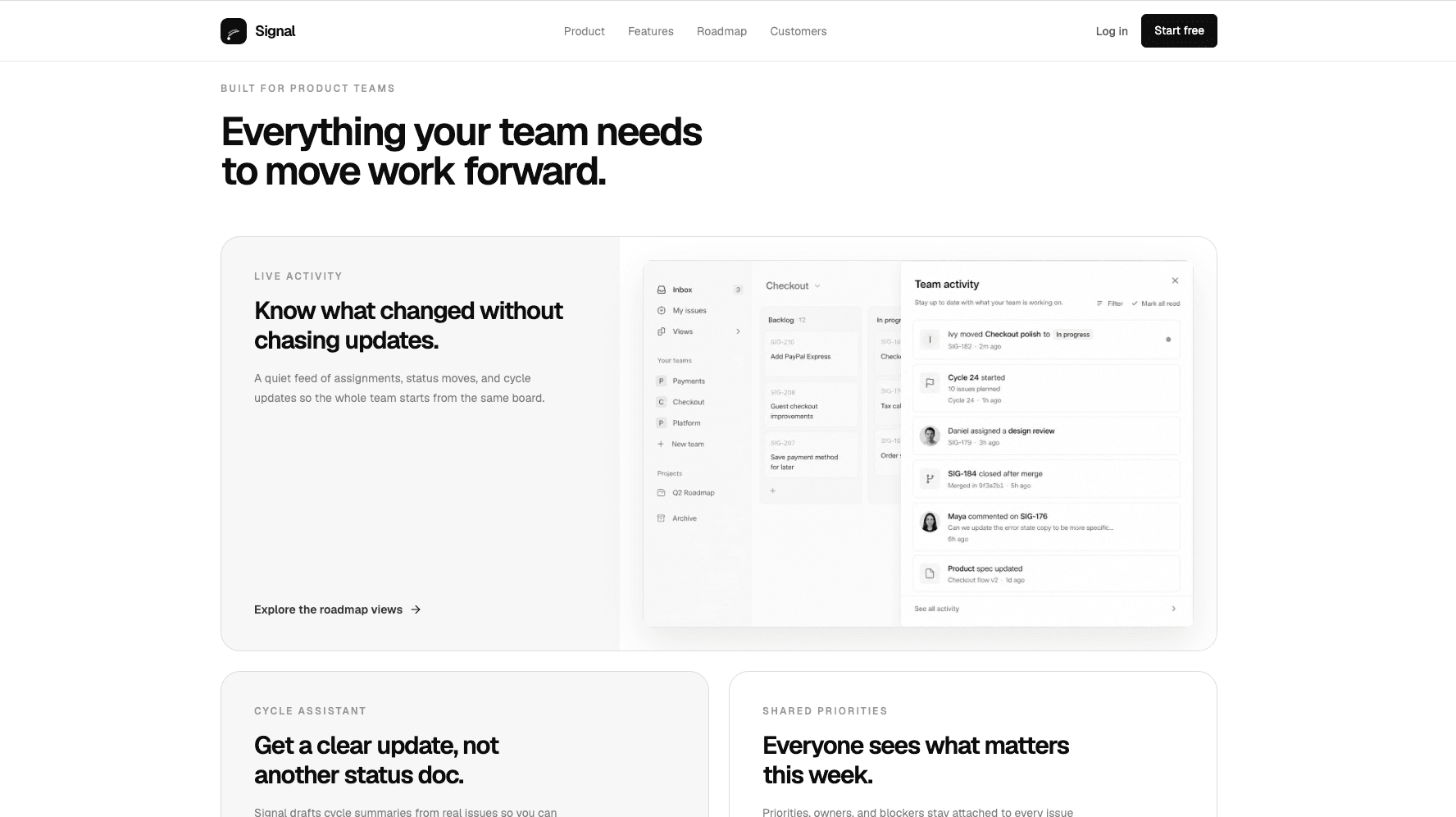
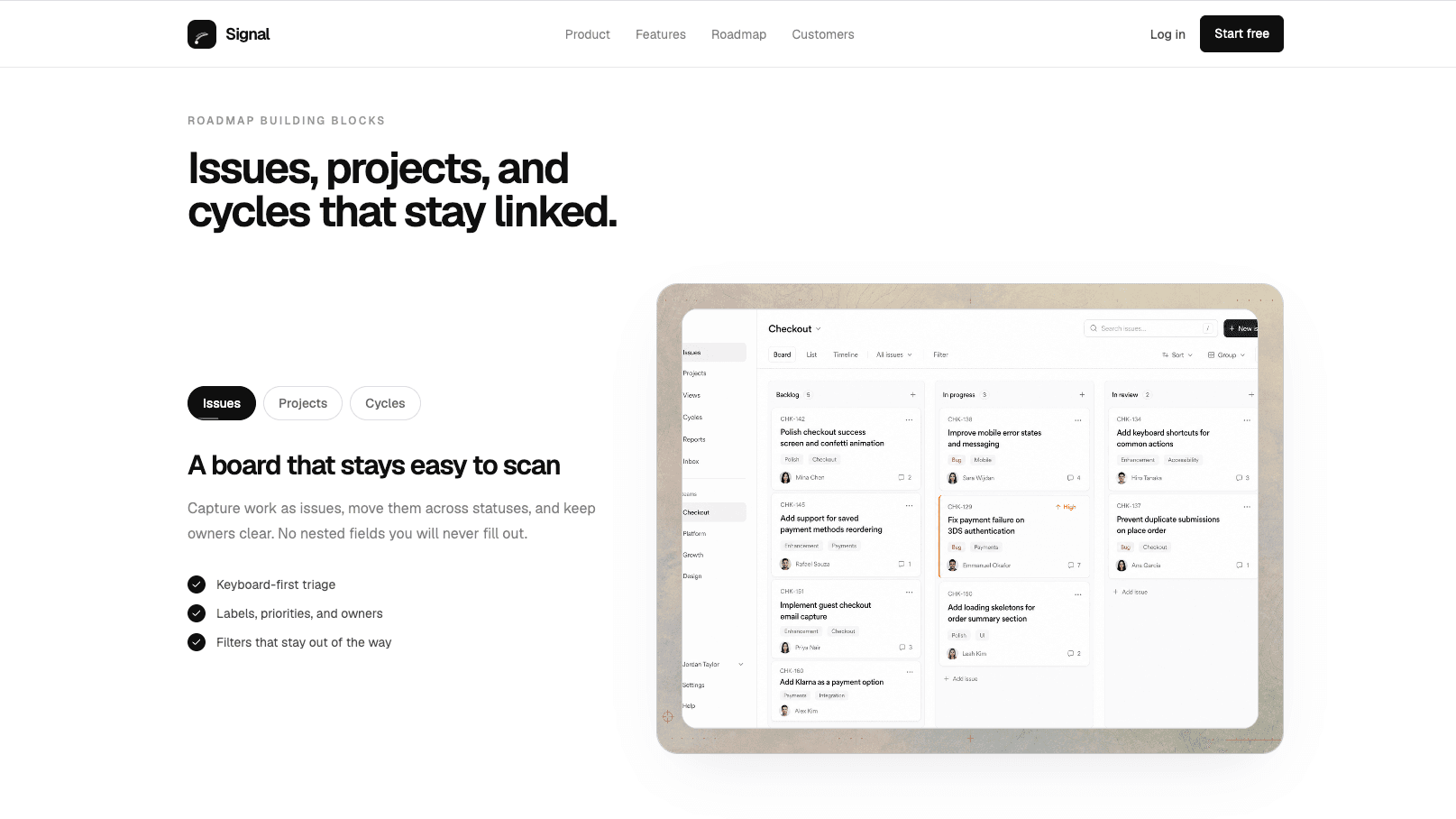
A calm monochrome product management landing page for issue tracking, projects, cycles, and shipping teams.
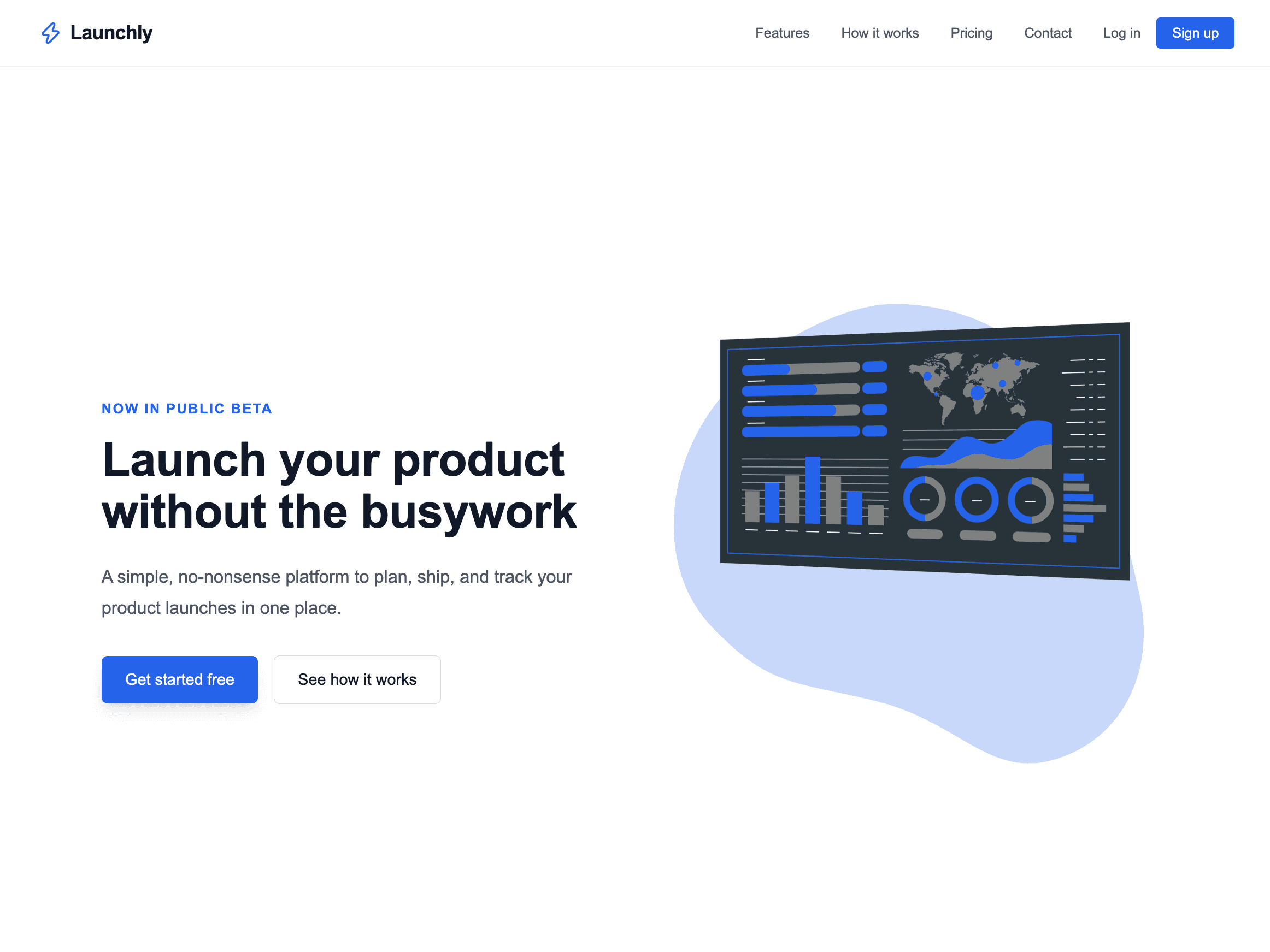
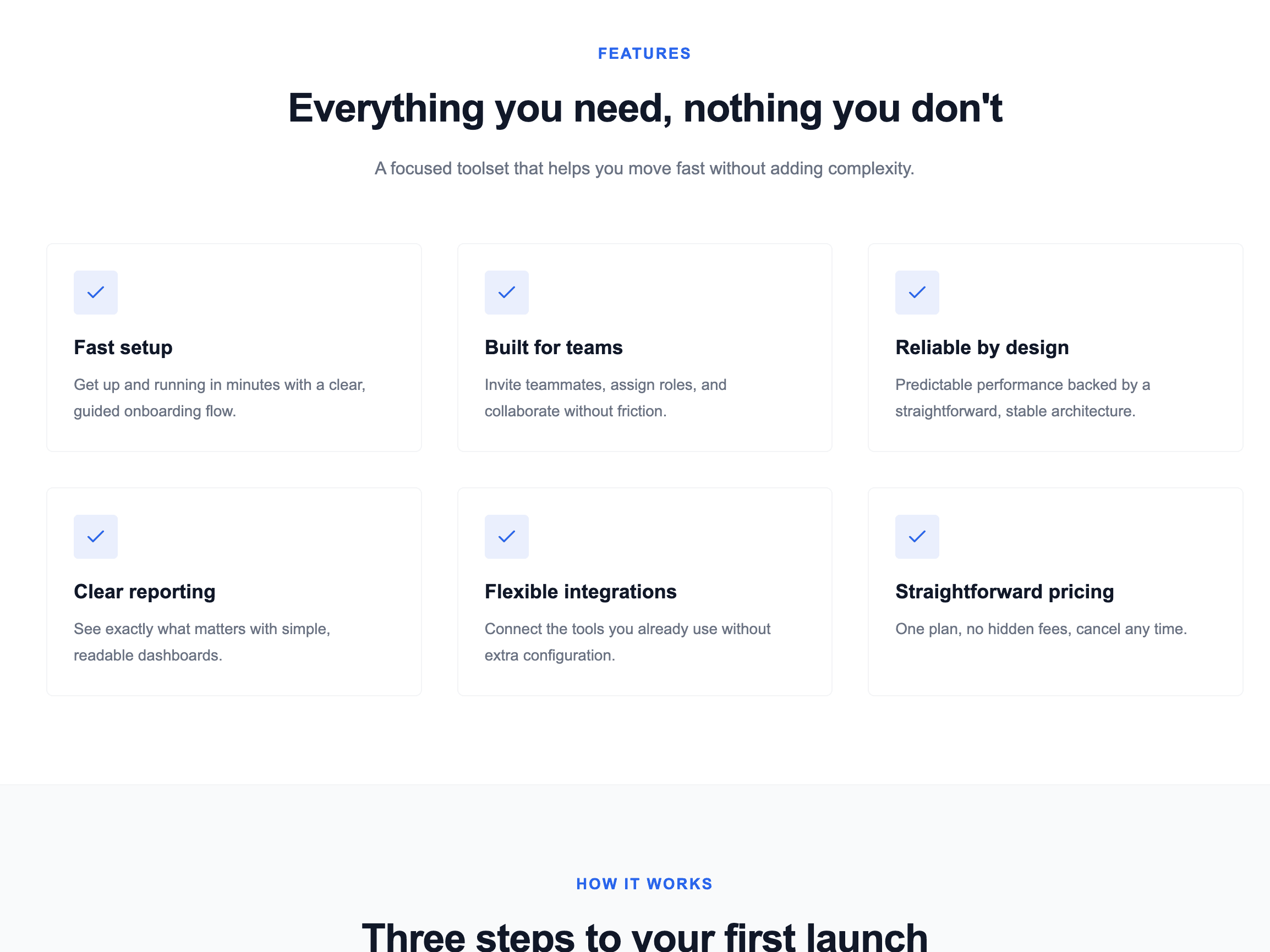
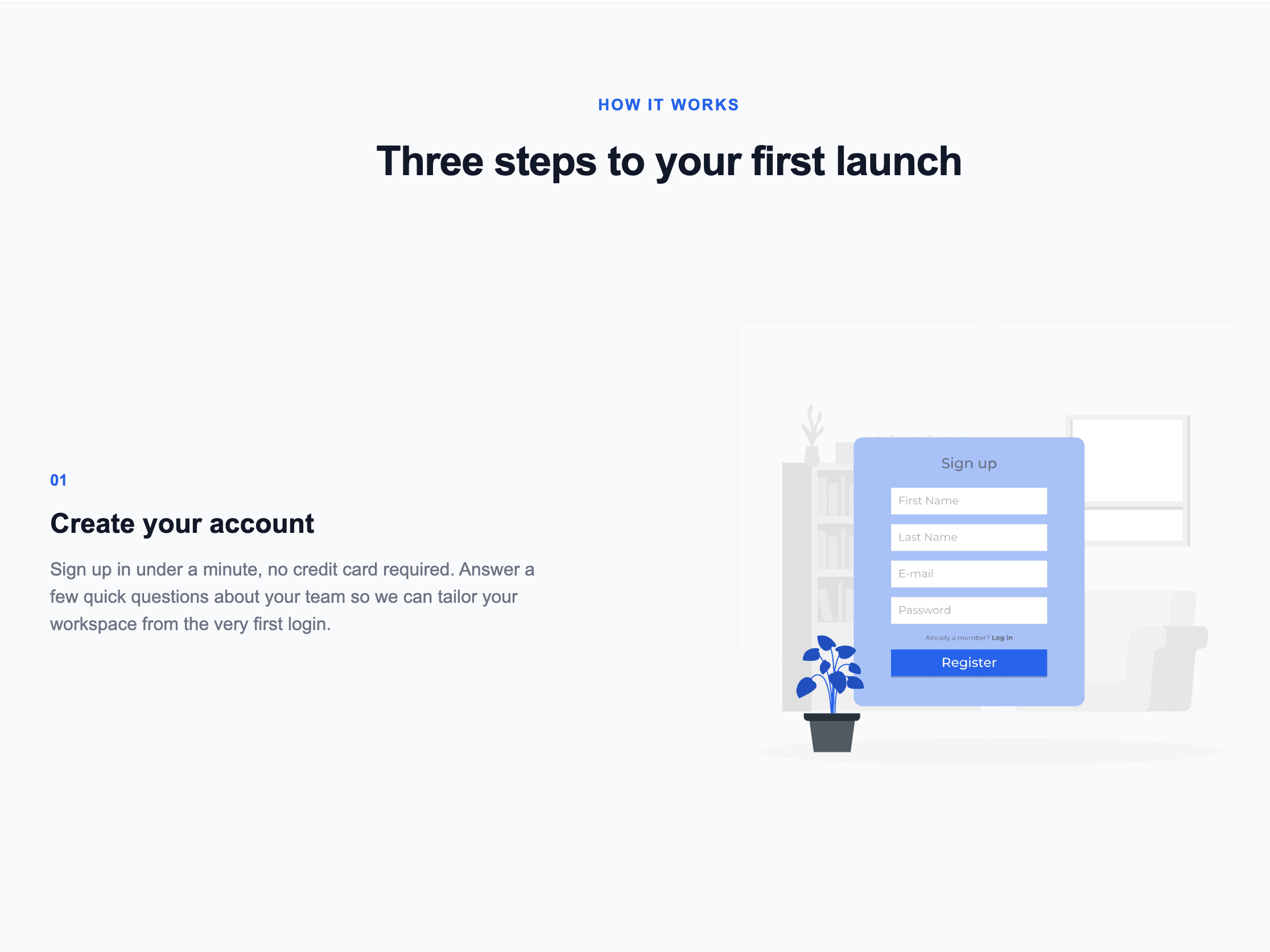
A clean, no-animation landing page template for SaaS products, with straightforward feature, pricing, and contact form sections.
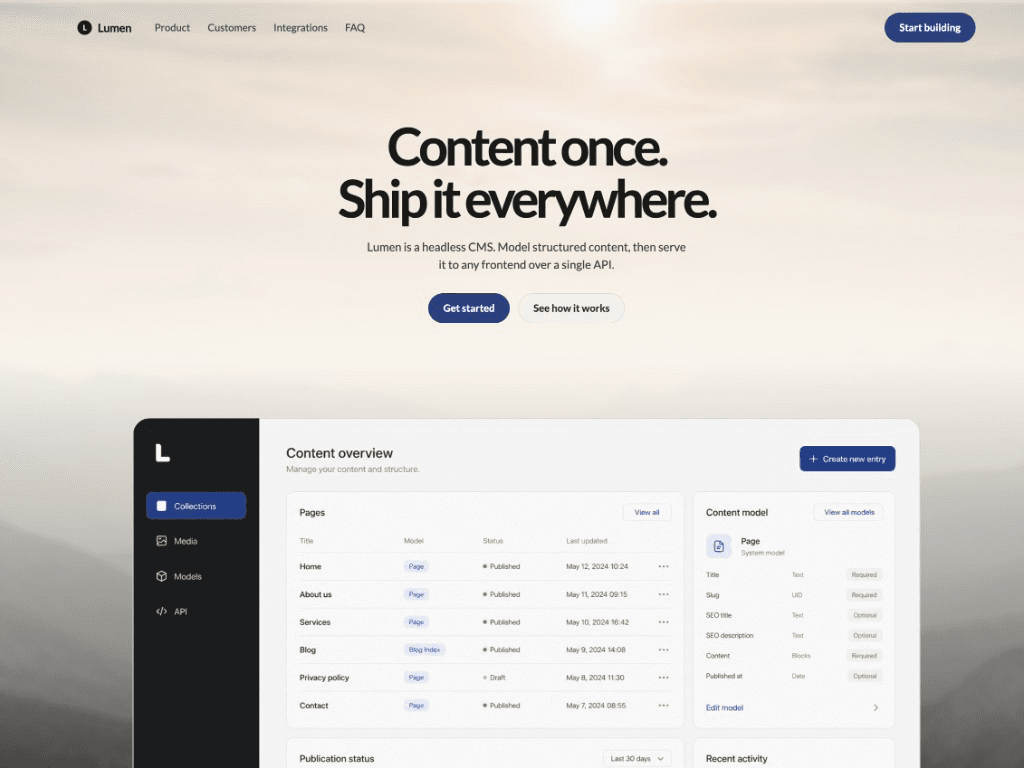
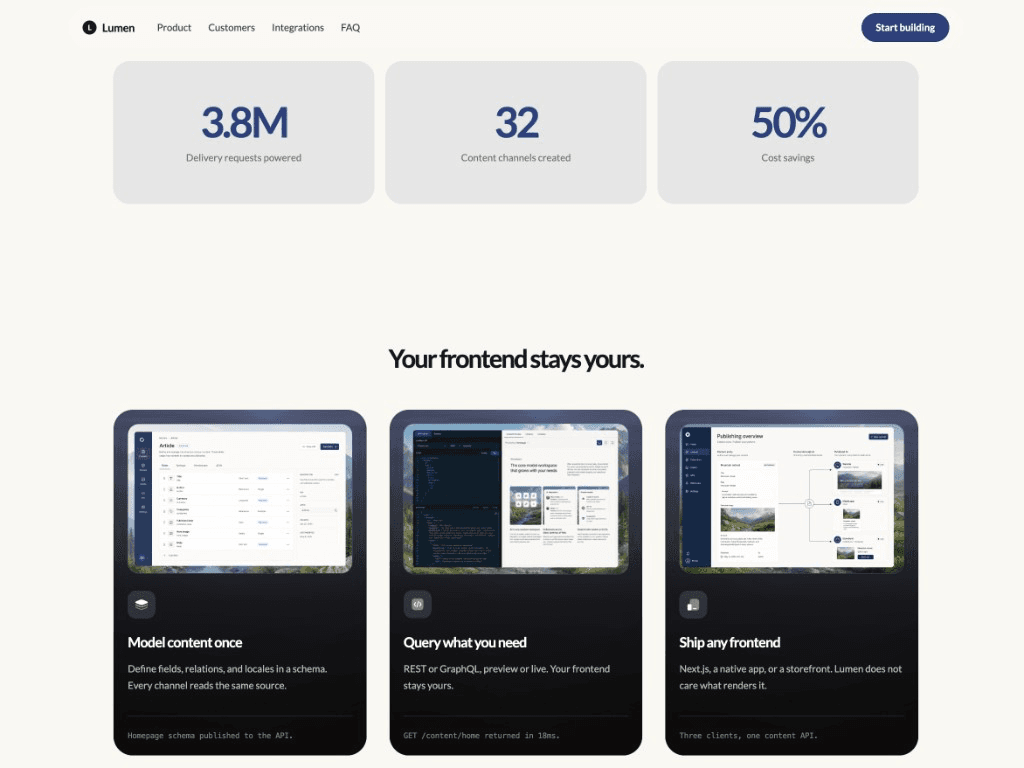
A warm editorial landing page for startup and micro SaaS products, with hero, stats, integrations, and case studies.
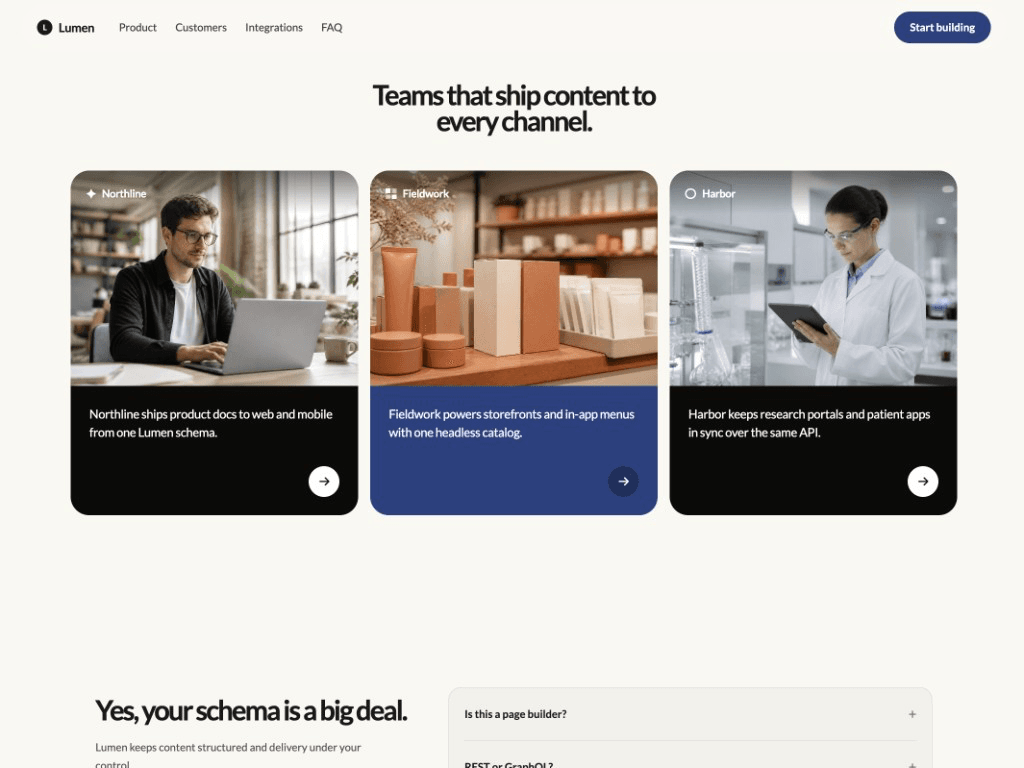
A simple, flat SaaS landing page with clear feature cards, pricing, testimonials, FAQ, and contact sections.