Browse components
Background Grid
A static 3D background grid — a wireframe perspective grid that covers the full container, warped and bowed toward a vanishing point for depth. No animation, no layout shift.
Add to your project
Pick the way you like to build.
Let your AI assistant add it
Copy this prompt and paste it into the AI tool building your site.
# Integrate this UI component

Add this component to my project.

1. Install any missing dependencies.
2. Make sure Tailwind CSS is set up and scans the new file.
3. Prefer passing props over editing the component source — changing the component itself may break it.
4. Adjust colors, size, and layout via props or wrapper classes to match my project. You know my codebase better than this snippet does.

## Component source

```tsx
'use client';

import React, { useEffect, useRef, type ReactNode } from 'react';

// ---------------------------------------------------------------------------
// Props
// ---------------------------------------------------------------------------
//
// children           Content layered above the grid (headline, CTA, etc.)
// className          Styles for the content wrapper
// containerClassName Styles for the outer shell (size, layout)
// theme              "dark" (default) | "light"
// backgroundFill     Overrides the theme's background color (hex)
// lineColor          Overrides the theme's grid line color (hex)
// cells              Grid density (lines per axis)
//
type BackgroundGridProps = {
  children?: ReactNode;
  className?: string;
  containerClassName?: string;
  theme?: 'dark' | 'light';
  backgroundFill?: string;
  lineColor?: string;
  cells?: number;
};

// ---------------------------------------------------------------------------
// #rrggbb -> "r, g, b" so alpha can vary per segment
// ---------------------------------------------------------------------------
function toRgb(hex: string) {
  const h = hex.replace('#', '');
  const full =
    h.length === 3
      ? h
        .split('')
        .map((c) => c + c)
        .join('')
      : h;
  const n = parseInt(full, 16);
  return `${(n >> 16) & 255}, ${(n >> 8) & 255}, ${n & 255}`;
}

// ---------------------------------------------------------------------------
// Per-theme defaults.
// ---------------------------------------------------------------------------
const THEMES = {
  dark: {
    background: '#02040c',
    line: '#2563eb',
  },
  light: {
    background: '#eef2ff',
    line: '#1d4ed8',
  },
} as const;

export default function BackgroundGrid({
  children,
  className = '',
  containerClassName = '',
  theme = 'dark',
  backgroundFill,
  lineColor = '#7eeab4',
  cells = 14,
}: BackgroundGridProps) {
  const tokens = THEMES[theme] ?? THEMES.dark;
  const bg = backgroundFill ?? tokens.background;
  const line = lineColor ?? tokens.line;

  const containerRef = useRef<HTMLDivElement>(null);
  const canvasRef = useRef<HTMLCanvasElement>(null);

  useEffect(() => {
    const canvas = canvasRef.current;
    const container = containerRef.current;
    if (!canvas || !container) return;

    const ctx = canvas.getContext('2d');
    if (!ctx) return;

    const rgb = toRgb(line);
    let width = 0;
    let height = 0;

    // -------------------------------------------------------------------------
    // Warp a flat (u, v) grid — both axes 0..1 — into a full-bleed wavy plane.
    // A radial pincushion pull toward an off-frame vanishing point bows every
    // line, while depth (distance from that point) drives fade + thickness.
    // Because u and v both span 0..1 edge to edge, the canvas is fully covered
    // — no fan, no dead wedge.
    // -------------------------------------------------------------------------
    const vpx = 1.05; // vanishing point sits just outside the top-right corner
    const vpy = -0.08;
    const reach = 1.7; // how far the pull's influence extends across the plane
    const pad = 0.38;
    const uMin = -pad;
    const vMin = -pad;
    const span = 1 + pad * 2;
    const lineCount = Math.round(cells * span);

    const project = (u: number, v: number) => {
      const dx = u - vpx;
      const dy = v - vpy;
      const dist = Math.hypot(dx, dy);
      const t = Math.max(0, Math.min(1, dist / reach));

      // Compress points toward the vanishing point — strongest close in,
      // tapering to none at the far edge. This is what bows straight lines
      // into curves and packs them tight near the corner, like the reference.
      const compress = 1 - t;
      const wx = vpx + dx * (t + compress * compress * 1.15);
      const wy = vpy + dy * (t + compress * compress * 1.15);

      const depth = compress;
      return { x: wx * width, y: wy * height, depth };
    };

    const draw = () => {
      ctx.fillStyle = bg;
      ctx.fillRect(0, 0, width, height);
      ctx.lineCap = 'round';

      const steps = 24; // samples per line, enough to render the curve smoothly

      // Lines of constant u (verticals before the warp)
      for (let i = 0; i <= lineCount; i++) {
        const u = uMin + (i / lineCount) * span;
        ctx.beginPath();
        for (let s = 0; s <= steps; s++) {
          const p = project(u, vMin + (s / steps) * span);
          if (s === 0) ctx.moveTo(p.x, p.y);
          else ctx.lineTo(p.x, p.y);
        }
        const mid = project(u, 0.5);
        ctx.strokeStyle = `rgba(${rgb}, ${0.3 + mid.depth * 0.6})`;
        ctx.lineWidth = 0.8 + mid.depth * 2.2;
        ctx.stroke();
      }

      // Lines of constant v (horizontals before the warp)
      for (let j = 0; j <= lineCount; j++) {
        const v = vMin + (j / lineCount) * span;
        ctx.beginPath();
        for (let s = 0; s <= steps; s++) {
          const p = project(uMin + (s / steps) * span, v);
          if (s === 0) ctx.moveTo(p.x, p.y);
          else ctx.lineTo(p.x, p.y);
        }
        const mid = project(0.5, v);
        ctx.strokeStyle = `rgba(${rgb}, ${0.3 + mid.depth * 0.6})`;
        ctx.lineWidth = 0.8 + mid.depth * 2.2;
        ctx.stroke();
      }
    };

    const resize = () => {
      const rect = container.getBoundingClientRect();
      const dpr = Math.min(window.devicePixelRatio || 1, 2);
      width = Math.max(1, Math.floor(rect.width));
      height = Math.max(1, Math.floor(rect.height));
      canvas.width = Math.floor(width * dpr);
      canvas.height = Math.floor(height * dpr);
      canvas.style.width = `${width}px`;
      canvas.style.height = `${height}px`;
      ctx.setTransform(dpr, 0, 0, dpr, 0, 0);
      draw();
    };

    resize();

    const observer = new ResizeObserver(resize);
    observer.observe(container);

    return () => observer.disconnect();
  }, [bg, line, cells]);

  return (
    <div
      ref={containerRef}
      className={[
        'relative flex min-h-[420px] w-full flex-col items-center justify-center overflow-hidden',
        containerClassName,
      ]
        .filter(Boolean)
        .join(' ')}
      style={{ backgroundColor: bg }}
    >
      <canvas
        ref={canvasRef}
        className='absolute inset-0 z-0 h-full w-full'
        aria-hidden
      />
      <div
        className={['relative z-10 px-6 text-center', className]
          .filter(Boolean)
          .join(' ')}
      >
        {children}
      </div>
    </div>
  );
}

```
Works with your AI tools
 Claude*
 Codex*
 Lovable
 Base44
 Figma Make
 Replit*
 Cursor*
 v0
v0* Compatible with most projects that use the default React/Next.js framework.
Built With
 React
React Tailwind CSSCanvas API
Props
| Prop | Type | Description |
|---|---|---|
children | ReactNode | Content layered above the grid (headline, CTA, etc.) |
className | string | Styles for the content wrapper |
containerClassName | string | Styles for the outer shell (size, layout) |
theme | 'dark' | 'light' | Preset background and line colors |
backgroundFill | string | Overrides the theme background color (hex) |
lineColor | string | Overrides the theme grid line color (hex) |
cells | number | Grid density (lines per axis) |
More Backgrounds Components
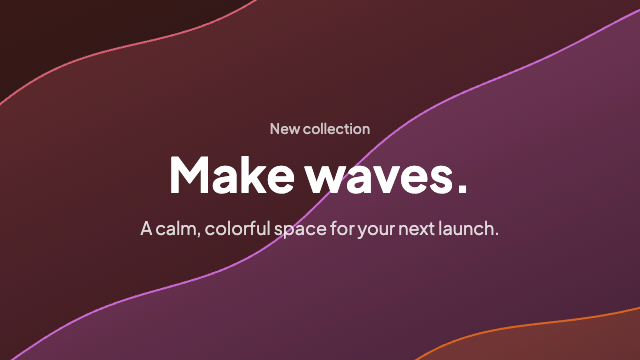
Animated canvas waves that fill the container and drift with the pointer — a softer, SaaS-ready take on classic wavy backgrounds.
Subtle canvas meteors drifting across a dark sky — a quiet animated background for heroes and landing sections.
Staggered neon trails that sweep across a dark field — colors are prop-driven for easy theming.
Soft layered waves in parallax drift — cool indigo tones by default, colors via props.
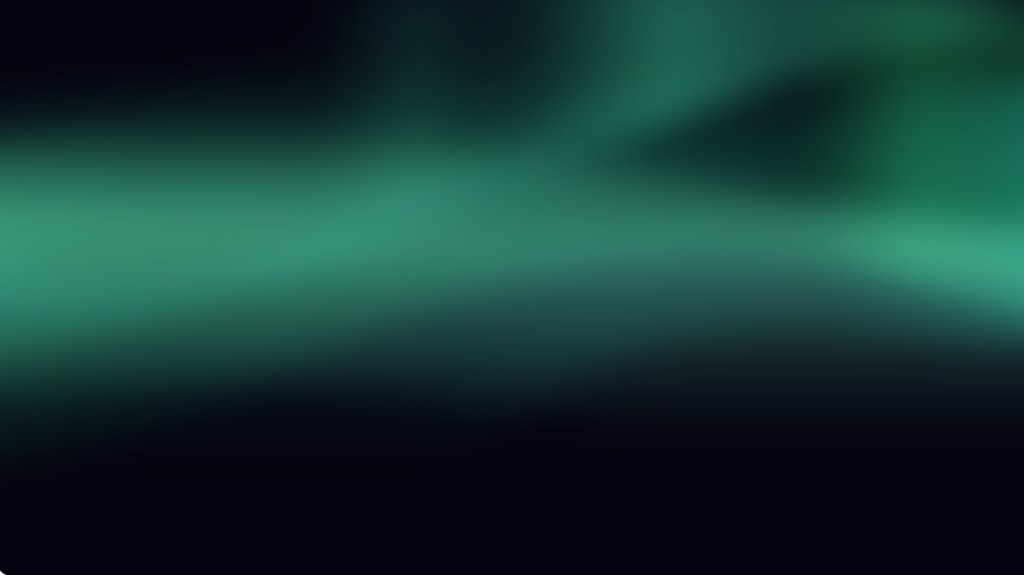
Northern lights as folding canvas curtains: irregular ribbons and faint rays drifting across a night sky.