Browse components
Drawer
Focused bottom sheets for filters, actions, and mobile-first interface tasks.
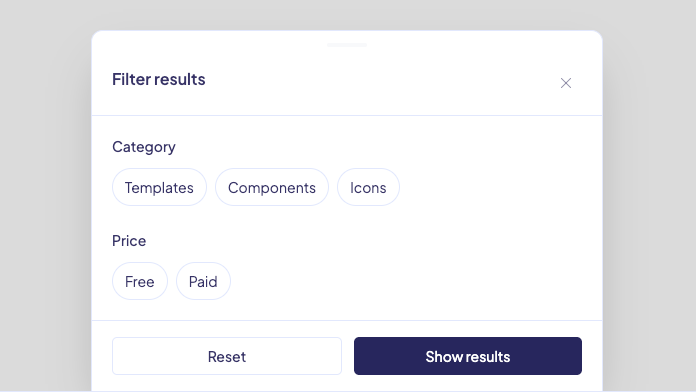
Bottom sheet with filter chips, reset, and apply actions.
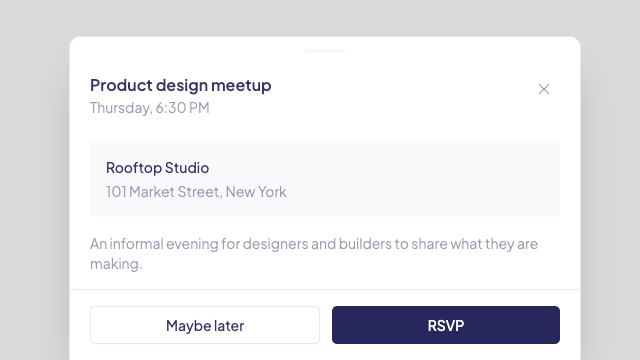
Bottom sheet for event details and RSVP actions.
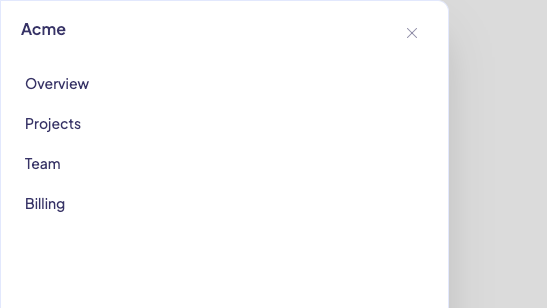
Left-side menu for compact navigation on smaller screens.
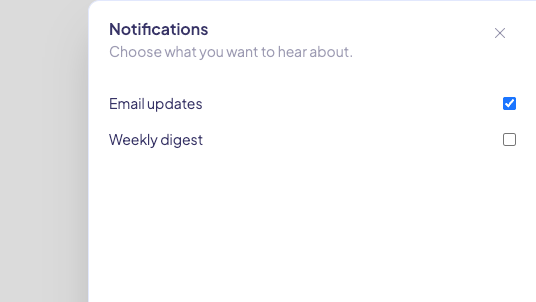
Right-side panel for quick settings and saved preferences.
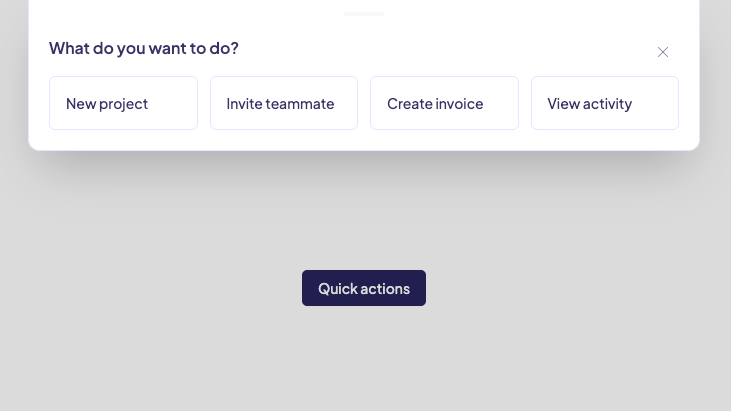
Top sheet with a compact grid of common actions.
About Drawer Components
Drawer components keep a focused task close to the page that opened it. This category starts with a filter sheet for mobile-friendly browsing.
Use a drawer for a short task with a clear finish action. Keep the contents small enough that people do not lose their place in the page.
Frequently asked questions
When should I use a drawer?
Use a drawer for a focused task such as filtering, choosing an option, or confirming an action without taking someone to a new page.
Should a drawer replace a full page form?
No. Use a full page or dialog for longer tasks with many fields, detailed help, or several steps.
Do drawers work on small screens?
Yes. Bottom sheets work especially well on small screens when the important actions stay visible near the bottom.